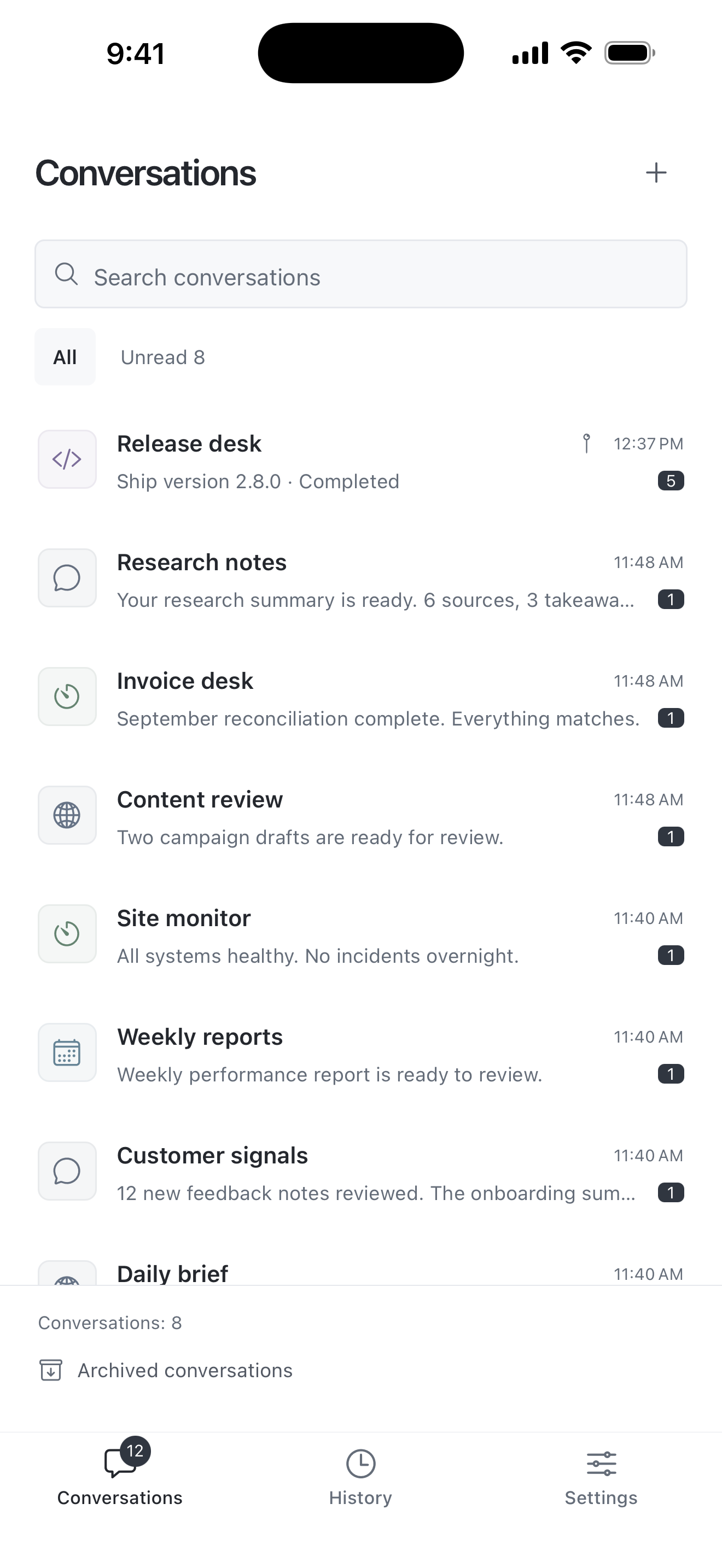
iPhone & iPad
App Store release is on the way. Invited testers can install it through TestFlight.
Coming to the App StoreRequest TestFlight accessThe phone inbox for your agents
Agents and automations report to Pushyou and ask when a decision is yours. Answer from your phone and the work continues. Approvals you repeat can become rules, and routine updates wait for one daily summary.
Start with the mobile app, then sign in on the web by scanning a QR code.
 Checkout refactor
Your agent, on your phone
The waiting agent receives your answer and carries on. Pushyou itself does not run the work.
Questions, answers and results stay in history
Report, ask, continue
Connect agents and automations over MCP or REST. They send readable reports, stop to ask when a choice is yours, and pick up your answer where they left off.
Claude Code, Codex, scripts and n8n send results over MCP or REST. Reports render as Markdown, one conversation per project.
When a choice is yours, the agent asks. You get a notification, tap an option or reply, and the waiting agent continues.
Approve the same kind of request a few times and the app offers to approve it automatically, within a daily limit. Routine updates arrive as one daily summary.
Built around your work
Your program runs the work.
Pushyou keeps you in the loop.
Send tasks with HTTP requests. Start with approval examples and an importable n8n workflow.
Claude Code, Codex and other MCP clients report and ask for decisions in only the conversations you allow.
Replies can start a dedicated Claude Code or Codex session on your computer, run your own handler or reach a webhook.
Your work, within reach
Create your account in the mobile app, then pick up the same conversations on the web.
App Store release is on the way. Invited testers can install it through TestFlight.
Coming to the App StoreRequest TestFlight accessAvailable on Google Play.
Available nowGet it on Google PlaySign in by scanning a QR code with the mobile app. Your conversations and history stay together.
Mobile app requiredOpen web appUp to 60 messages per minute per conversation. Each message can contain up to 8,000 characters and 4 attachments.
Read the API limitsNo paid plan is currently offered. Any future pricing and limit changes will be announced before they apply.
Pushyou is a separate app, not a Telegram plugin. Keep your scripts, n8n flows and agents, and point their alerts, questions, approvals and results at the Pushyou REST API or MCP. Each request stays with its answer and outcome, and routine updates can wait for a daily summary. Your programs still run where you host them; Telegram accounts and chat history are not imported.
Create your account and conversations in the mobile app. Scan the web sign-in QR code from Settings → Scan QR code and approve to access the same conversations and history in your browser.
No. Your agent or program runs the work where you host it. An agent that asks with pushyou_ask waits for your answer while it keeps running. To act on replies after an agent has stopped, run the receiver, which can start a dedicated Claude Code or Codex session on your computer. The connection guide covers installation and continuous operation.
No. Only you approve, in the app or on the web. You can let one kind of task in one conversation skip review, with a daily limit, and turn that rule off at any time.
Programs can send routine updates with low priority. They skip the immediate notification and arrive as one daily summary at the hour you choose. Questions and approval requests still notify you right away.
Start by adding a Pushyou API call to your existing automation. To run work after approval, connect response events and task result reporting. Pushyou does not automatically import existing Discord or Telegram conversations.
Choose conversations and permissions for each program. Revoke access in connection settings. Web sign-ins are also approved and revoked from the app. Review work already started in an external system in that system itself.
Add the MCP server to Claude Code or Codex, or send one message from a script. Add questions and approvals when you need them.